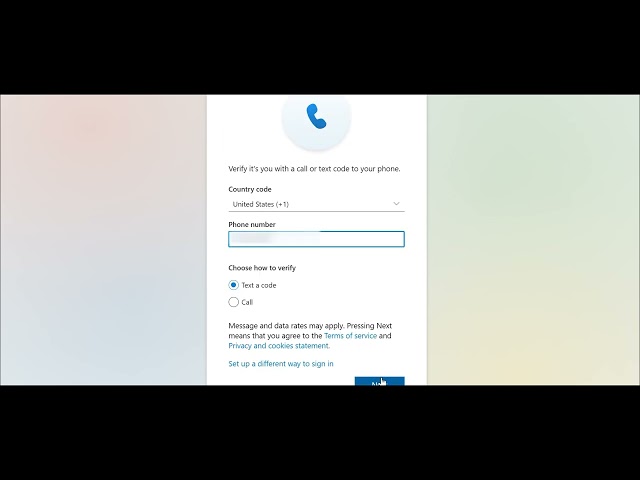
Please be aware that as of April 13th, 2026 your existing student email account has been transitioned to a new CUNY-wide Microsoft 365 system. This new account will serve as your official email for all York College and CUNY communications. Your new account format is the same as your CUNY Login cunyloginusername@login.cuny.edu. This account will be the one you use to login and authenticate. The account will drive two additional identities, A York-specific address (example: firstname.lastname@stu-mail.york.cuny.edu) and the other A universal CUNY address (cunyloginusername@cuny.edu). Email from your existing firstname.lastname@yorkmail.cuny.edu will remain available for a limited time during the transition. You will need to create or activate a new MFA for the new account. By going to Office.com and using your CUNY ID, you will be prompted to setup MFA.
All new students have received an email to your alternate email account informing you regarding the status of your newly provisioned Microsoft 365 York Outlook email account. Registering for classes triggers this notice.
Email Address: firstname.lastname@stu-mail.york.cuny.edu (Please be aware that the last 2 or 3 digits from your CUNY Login ID is added to after the last name, if you received an email informing you of the provisioned account it will reflect the correct ID)
Temporary Password: Your DOB (Yc + MMYYYY + LAST 4 of SSN )
Use the above credentials at the following link: http://outlook.office.com/mail
Academic Communications at York College: Activation of your newly provisioned Microsoft 365 York Outlook email account is critical to your communication with all academic and campus businesses at York College as this will be the only email York College communicates to while you are a registered student with our institution. The following is information essential to the use of this account.